More Resume Templates:
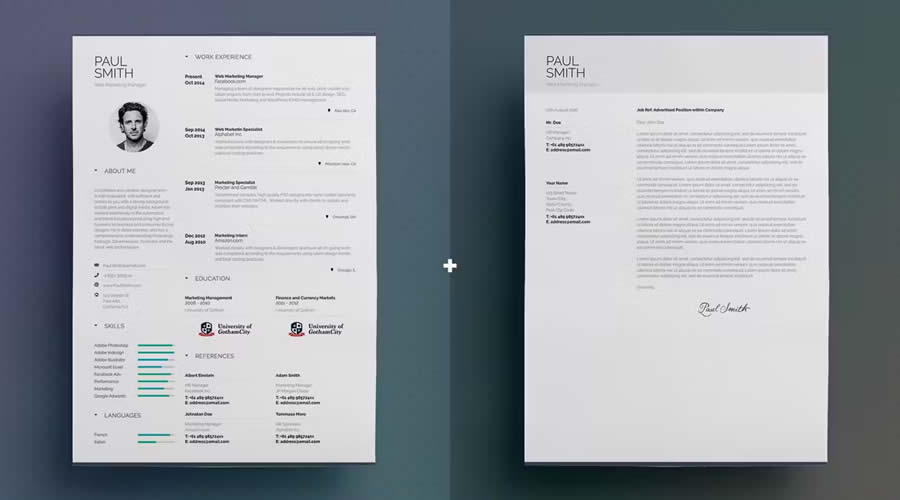
This template is another great choice for minimalists looking for a new job. This template includes a resume and a cover letter, all with elegant typography. You can edit the files, colors, fonts, and other elements.
The Top InDesign Resume Templates
Simple Resume & CV Template Vol.6
Free to Download | INDD Format
Free to Download | INDD Format
Free to Download | INDD Format
Free to Download | INDD Format
INDD Format
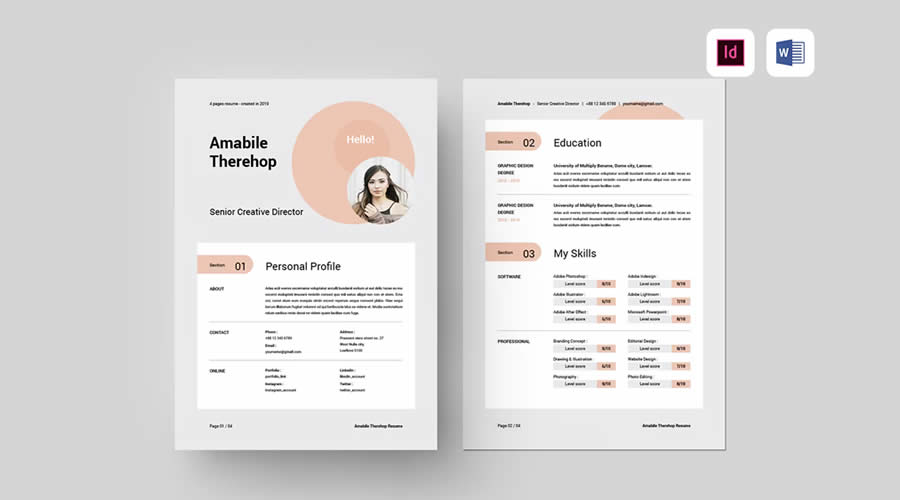
Consider this free resume template if you’re looking for a uniquely designed template. It includes a matching cover letter with ample space for your portfolio, a grid-based layout, and modern typography.
How to Edit and Export an InDesign Resume Template
Free to Download | INDD Format
- Open the correct file: Use the INDD file when it is compatible with your version of InDesign. Open the IDML file when working with an older version.
- Save a working copy: Keep the original file untouched so you can restore any layout elements removed during editing.
- Resolve missing assets: Check the Links panel for missing graphics and replace unavailable fonts with suitable alternatives.
- Update the styles: Edit the existing paragraph and character styles to change typography consistently throughout the document.
- Add your content: Replace the sample text with your contact details, experience, education, skills, and relevant links.
- Check for overset text: Longer descriptions may exceed their text frames. Look for warning symbols and adjust the frame, type size, or wording.
- Review the page format: Confirm whether the document uses A4 or US Letter dimensions and remove any pages you do not need.
- Add hyperlinks: Link your email address, portfolio, and relevant profiles so they remain useful in the digital PDF.
- Run Preflight: Open Window > Output > Preflight and correct missing fonts, broken links, and overset text.
- Export the PDF: Use File > Export and select Adobe PDF (Print). Include hyperlinks and choose settings that keep the file clear without making it unnecessarily large.
- Test the result: Open the PDF, check every page and link, then copy its text into a plain document to review the reading order.
Final Recommendations
INDD Format
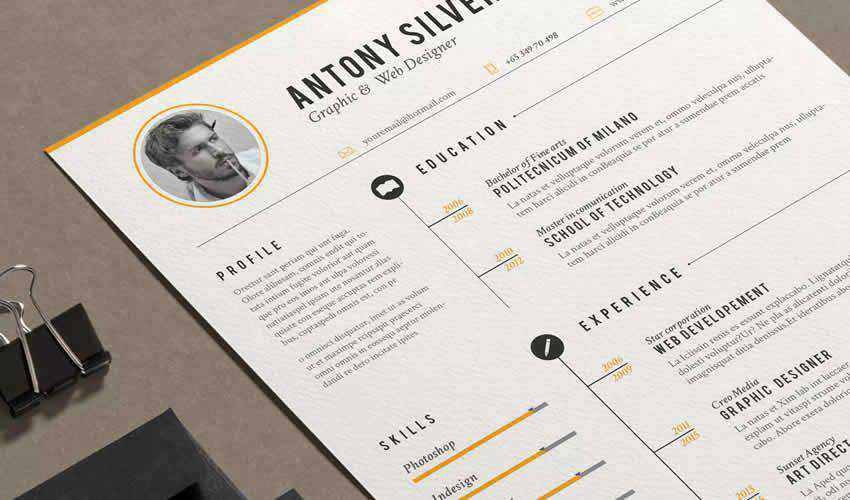
As the name suggests, this Simple Resume/CV template features a clean, simple design. The template includes a one-page resume design and a matching cover letter.
More InDesign Templates
Related Topics
Read more articles by Paul Andrew